ATS-friendly resume builder
Build a resume that looks professionally designed for free.
Create, edit, preview, and download a polished resume with clean templates, smart sections, and a simple step-by-step builder.
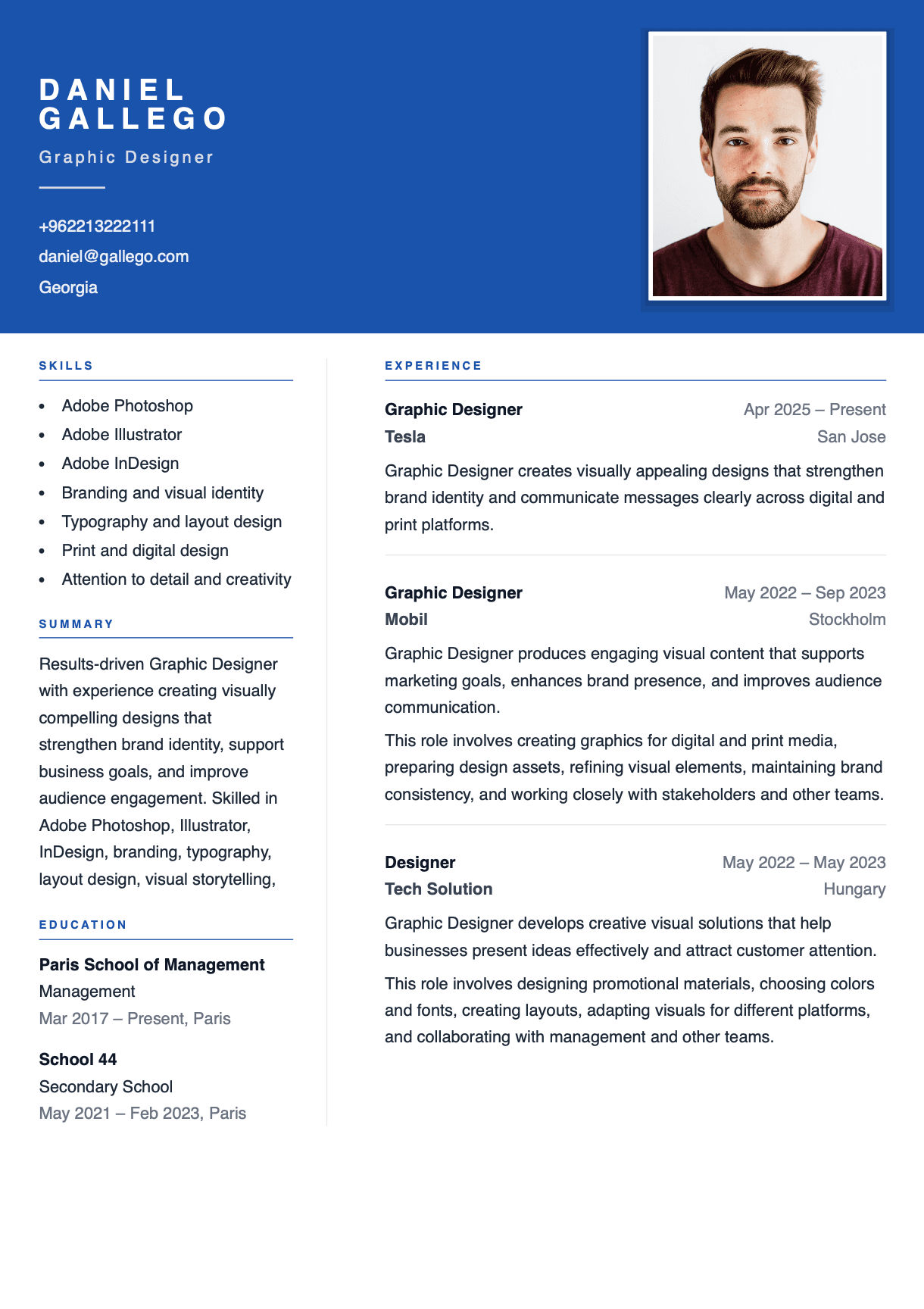
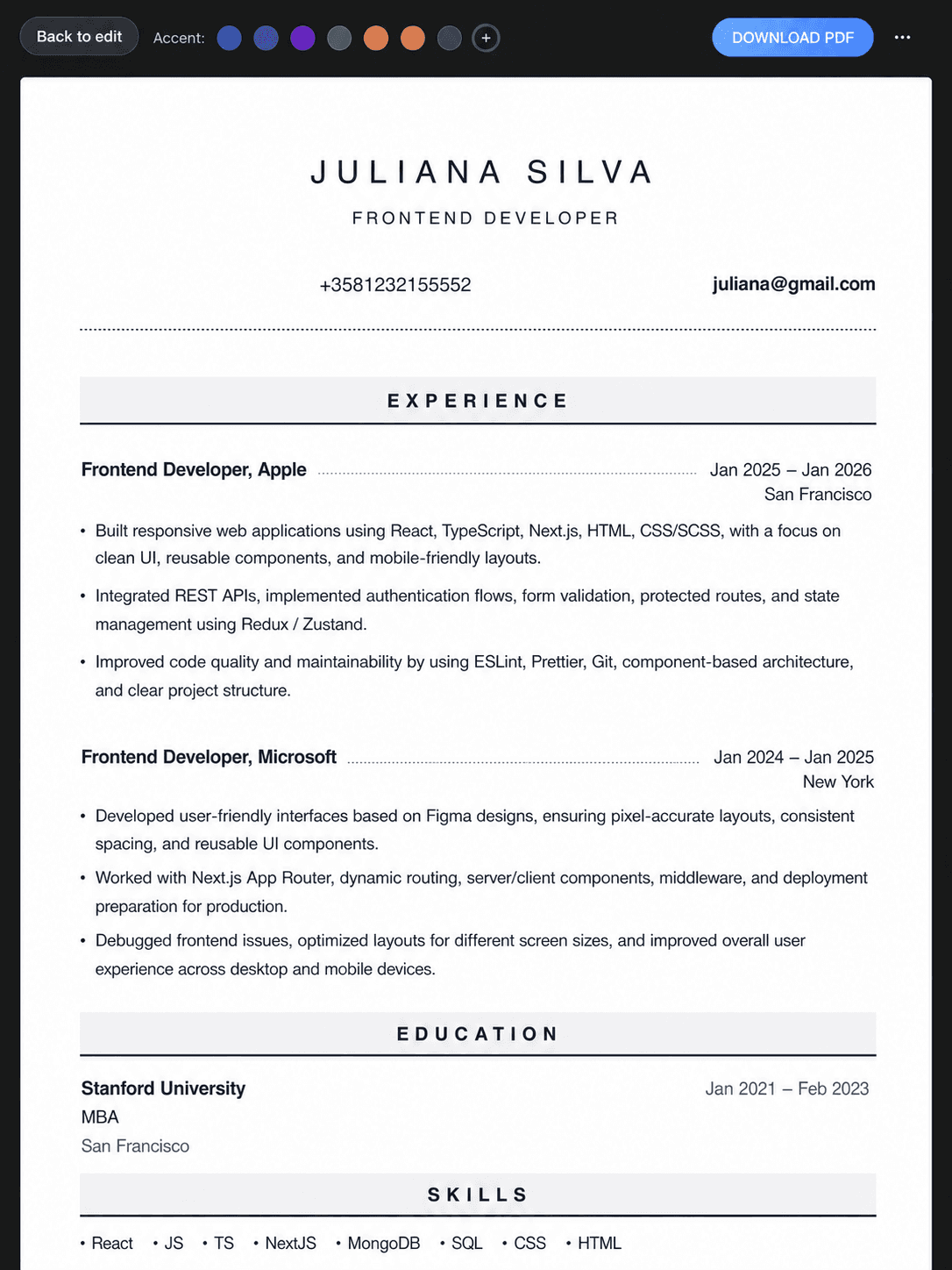
Live preview
See changes instantly
No card required
Start for free right now
Clean templates
Modern resume styles
Resumely editor
Our candidates have landed jobs at:






resumely.co/builder
Live preview
Builder
1Template
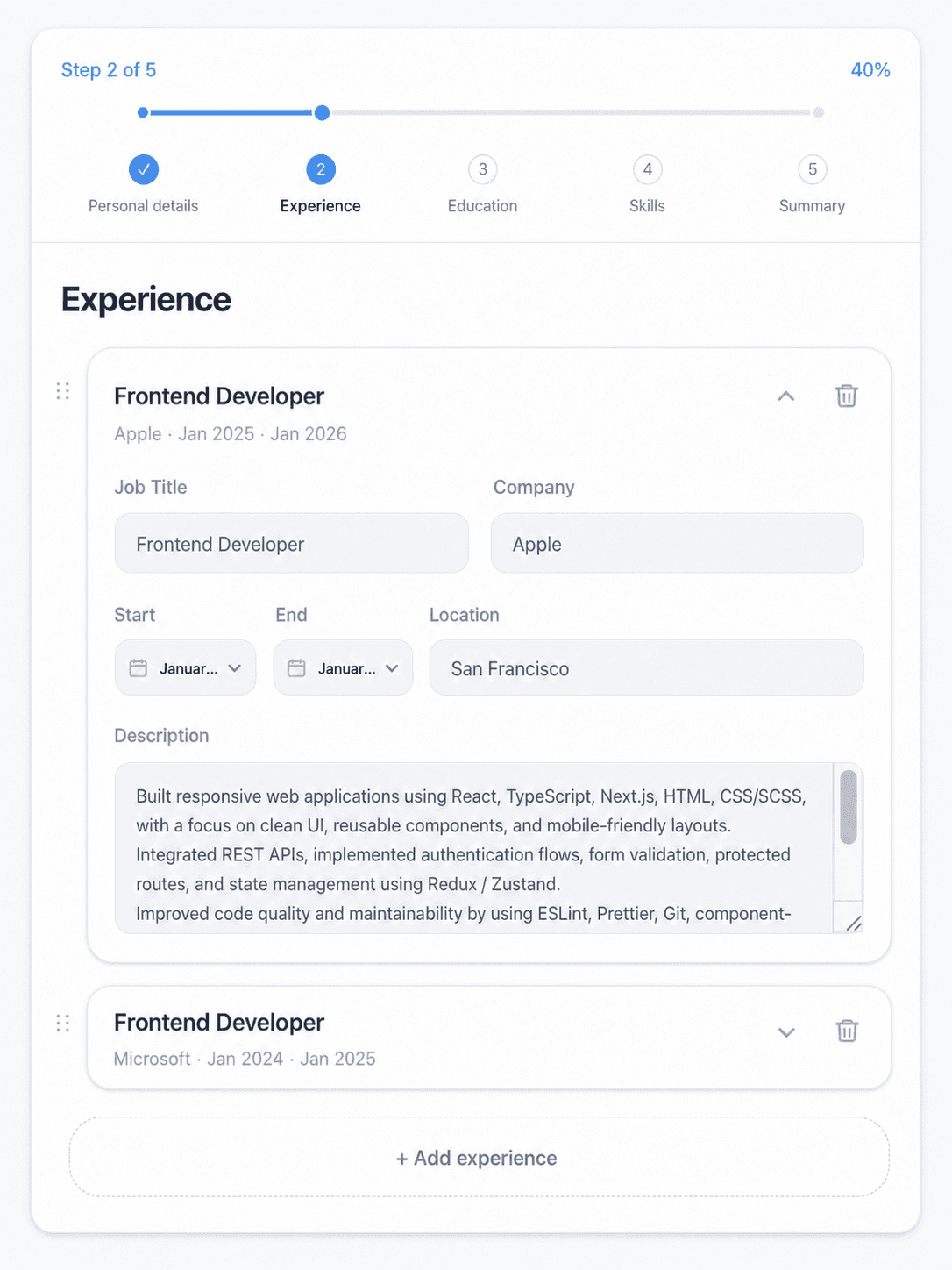
2Content
3Export
Formatting handled
Your resume stays polished while you edit.
Preview
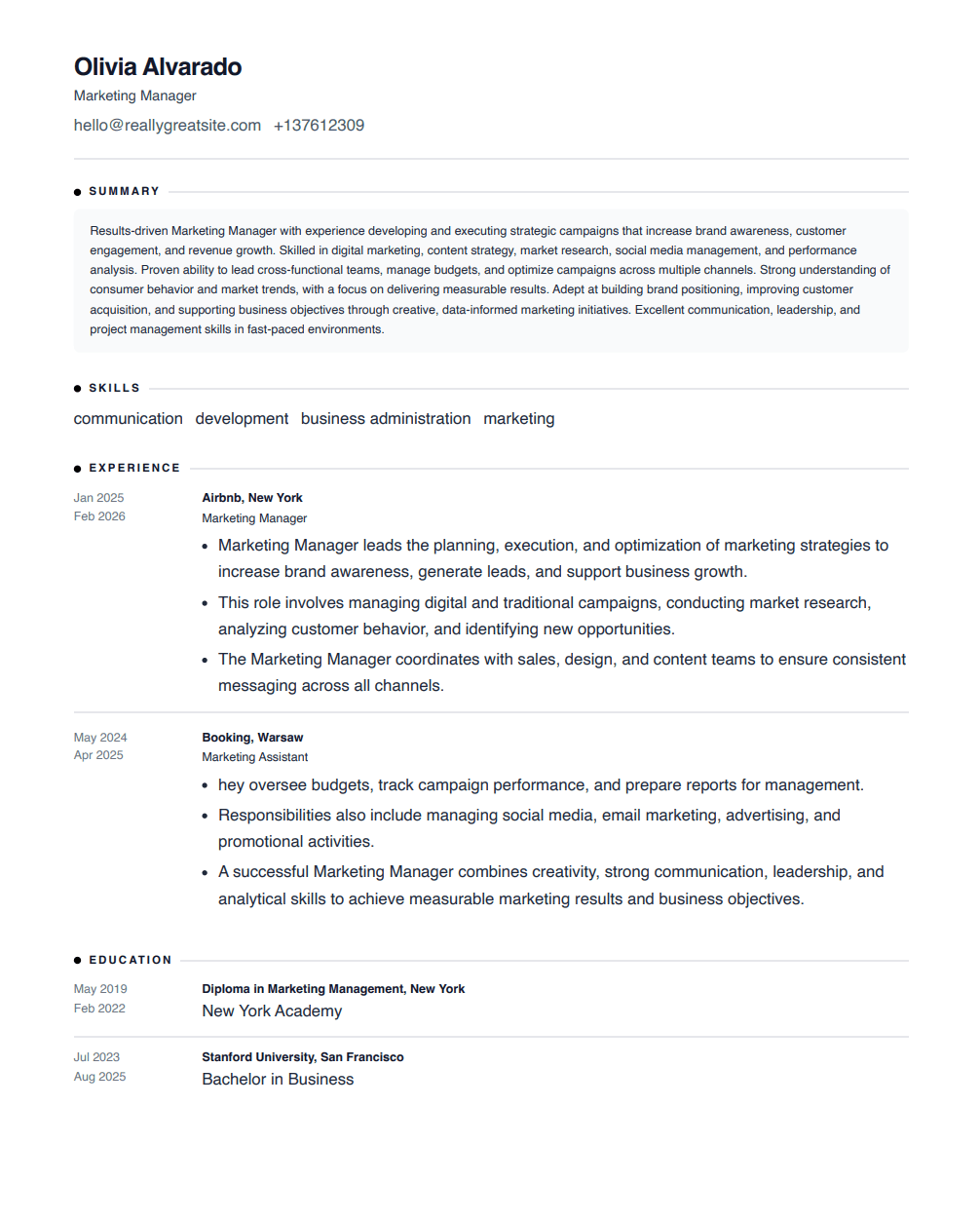
Professional resume
Ready
How it works
A guided workflow from start to download.
Choose a clean resume design and start editing.
Professional templates with simple structure, readable spacing, and polished typography.
Frequently asked questions.
Clear answers about free resume downloads, templates, ATS-friendly resumes, and editing.
Yes. You can create, edit, preview, and download your resume for free. No credit card is required, and there is no hidden checkout before downloading.
No. You don’t need to enter a credit card to build or download your resume. Just create your resume and export it when you’re ready.
Yes. You can download your resume for free. PDF is usually the best format for job applications, while Word is useful if you want to edit the file later.
Yes. The resume templates are free to use. Choose a clean layout, fill in your information, preview the result, and download your resume without paying.
You can start building your resume easily. Creating an account helps you save your progress, return later, and download your resume again when needed.
It’s best to tailor your resume to each role. You don’t need to rewrite everything—just adjust the headline, key skills, and a few bullet points to match the job description. Small tweaks can make a big difference with ATS and recruiters.
Choose a layout that fits your industry and experience level. For most roles, a clean and simple template works best. If you’re applying to creative positions, you can use a more distinctive style—just keep it readable and easy to scan.
Many companies use Applicant Tracking Systems (ATS) to scan resumes. ATS-friendly resumes use clear headings, real text, consistent formatting, and common fonts—so your information can be read correctly.
Yes. You can upload your current resume, update sections inside the editor, improve the structure, and create a cleaner version for your next job application.